How to Use Google Calendar or Apple Reminders for Bills
Step-by-step setup for bill reminders in Google Calendar and Apple Reminders, plus the point where a calendar stops being enough.
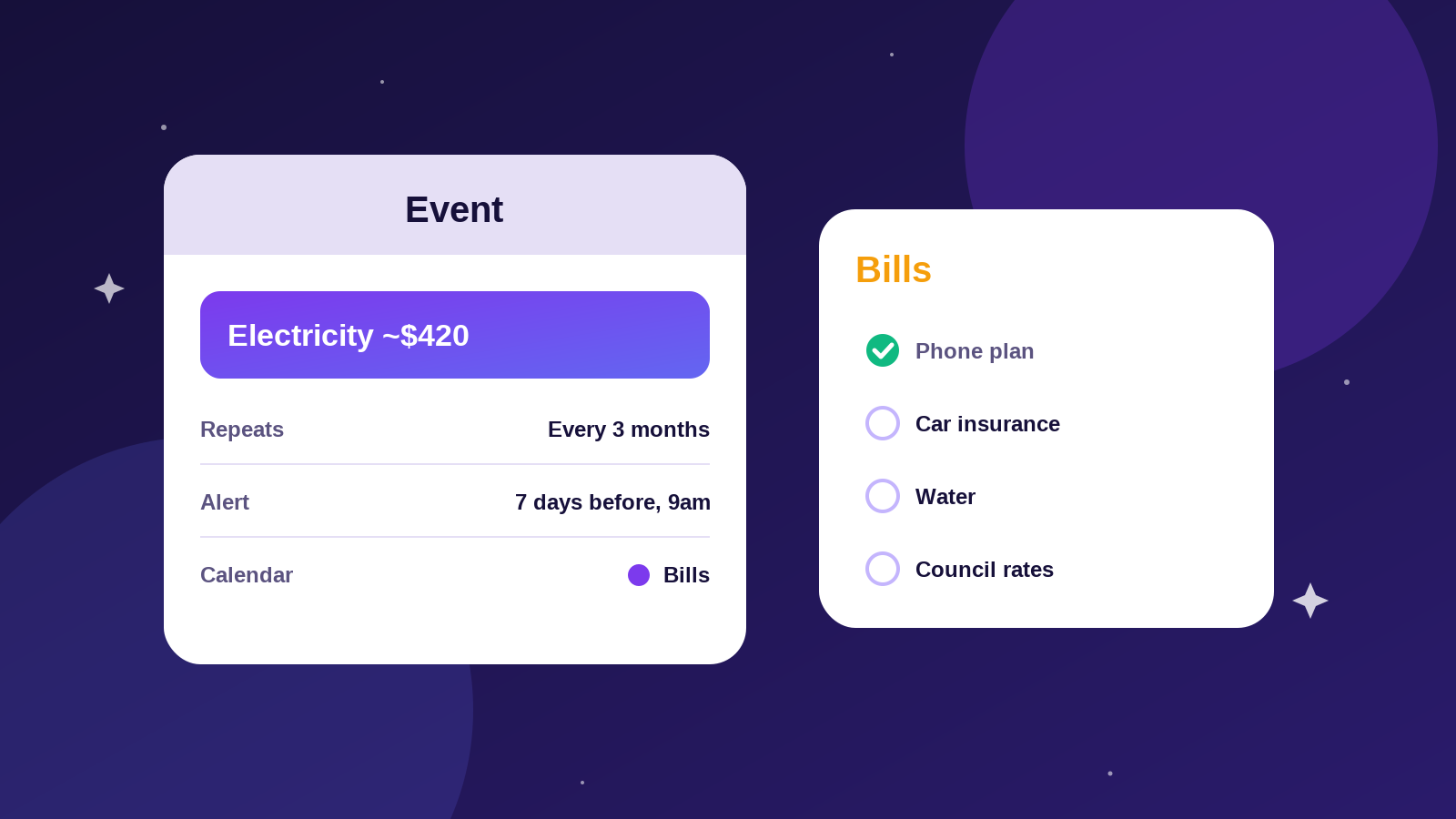
If you only have a few bills, the free tools already on your phone can remind you before they are due. Here is how to set up bill reminders in Google Calendar and Apple Reminders properly, so they actually help instead of becoming noise.
Google Calendar: Set Up a Bill Reminder
- 1Create an all-day event on the due date. Name it with the provider and amount, for example "Origin electricity ~$420".
- 2Set it to repeat: monthly, every 3 months for quarterly bills, or yearly for rego and insurance.
- 3Add a notification 3 to 7 days before, at a time you will see it, such as 9am.
- 4Create a separate "Bills" calendar with its own colour so bills stand out.
- 5Share the Bills calendar with your partner if you split bills.
Apple Reminders: Set Up a Bill Reminder
- 1Create a list called "Bills".
- 2Add a reminder with the provider and amount, set the date a few days before the due date.
- 3Tap Repeat and choose monthly, every 3 months, or yearly.
- 4Add the due date and account number in Notes.
- 5Tick it off when paid. The next occurrence appears automatically.
Worth noting
Set reminders before the due date, not on it. A reminder on the due day often arrives after the payment cut-off.
Where Calendars and Reminders Break Down
| Problem | Calendar or Reminders | Bill tracker |
|---|---|---|
| Bill amount changes each quarter | Edit the event every time | Update the amount, history kept |
| Was it paid? | Ticked reminder or nothing | Paid status and payment history |
| How much is due next month? | Add it up yourself | Forecast total |
| Where is the bill notice? | In your inbox somewhere | Attached to the bill |
| Rego and insurance renewals | Easy to forget to create | Reminded every year with amount |
| Ten or more bills | Cluttered calendar | One bill list and calendar |
When to Move to a Bill Tracker
- You have more than about 8 recurring bills.
- You have quarterly or annual bills with changing amounts.
- You want to know how much to set aside each payday.
- Two people pay bills and you keep doubling up or missing one.
Bill Sorted keeps the calendar view you are used to, adds amounts, paid status, documents, and a forecast, and sends reminder emails before each bill is due. Sorted Free covers up to 10 active bills.
Frequently asked questions
Create an all-day event on each due date, set it to repeat at the bill's frequency, and add a notification 3 to 7 days before. Put bills in their own coloured calendar and share it with anyone who pays bills with you.
Yes. Create a Bills list, add each bill with a repeat schedule, and set the reminder date a few days before the due date.
For a few fixed bills, yes. It struggles with changing amounts, paid status, documents, and forecasting larger quarterly and annual bills.
Google Calendar and Apple Calendar work for simple reminders. Bill Sorted has a dedicated Bills Calendar with amounts, paid status, and a forecast of upcoming bills.