Bills, sorted.
Now in your pocket.
Never lose track of a bill again. See what’s due, get a reminder before each bill is due and stay on top of your household bills, wherever you are.
Free to download. Sign in with your Bill Sorted account.

- Available on the App Store
- Australian-built
- One account, web and app
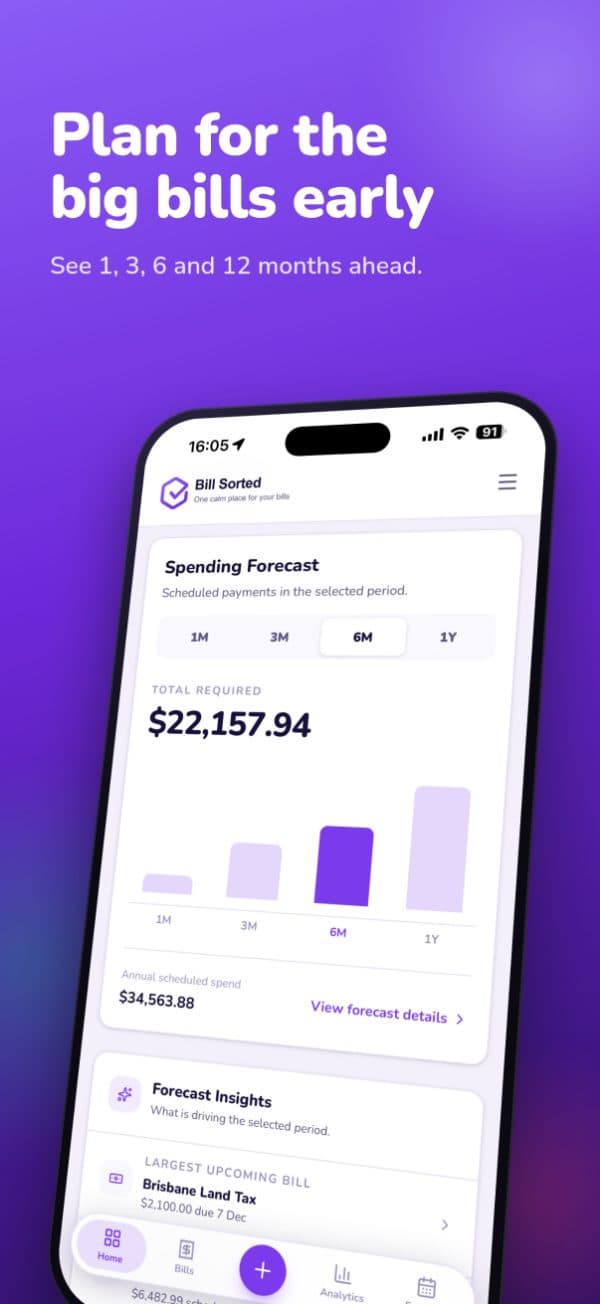
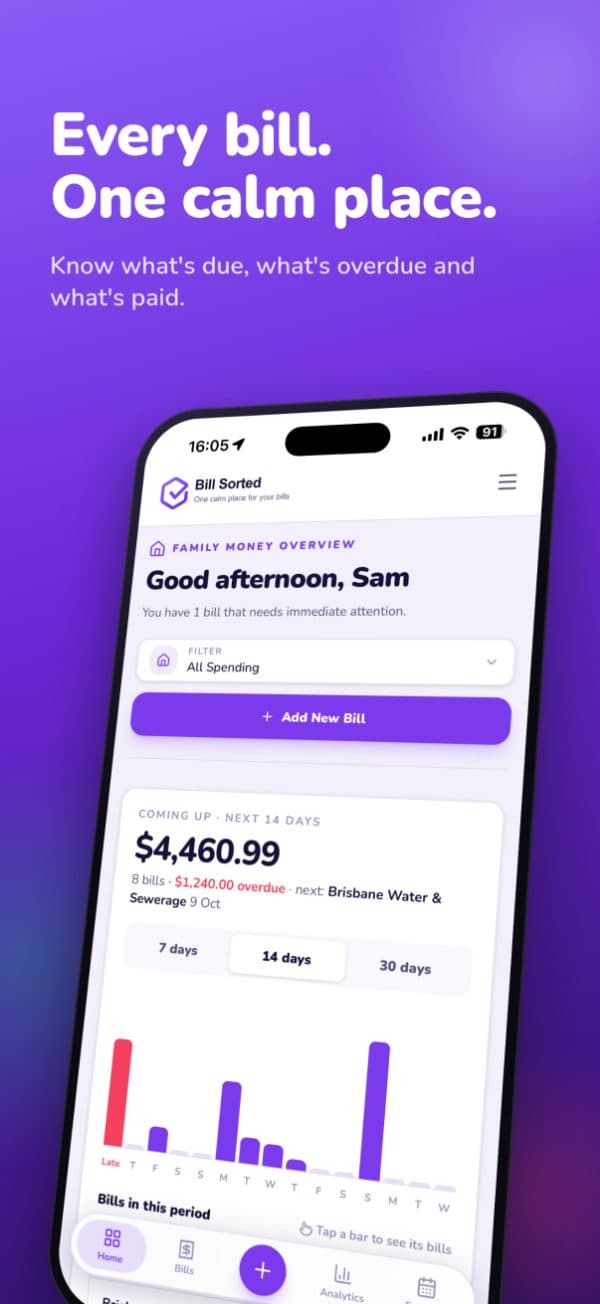
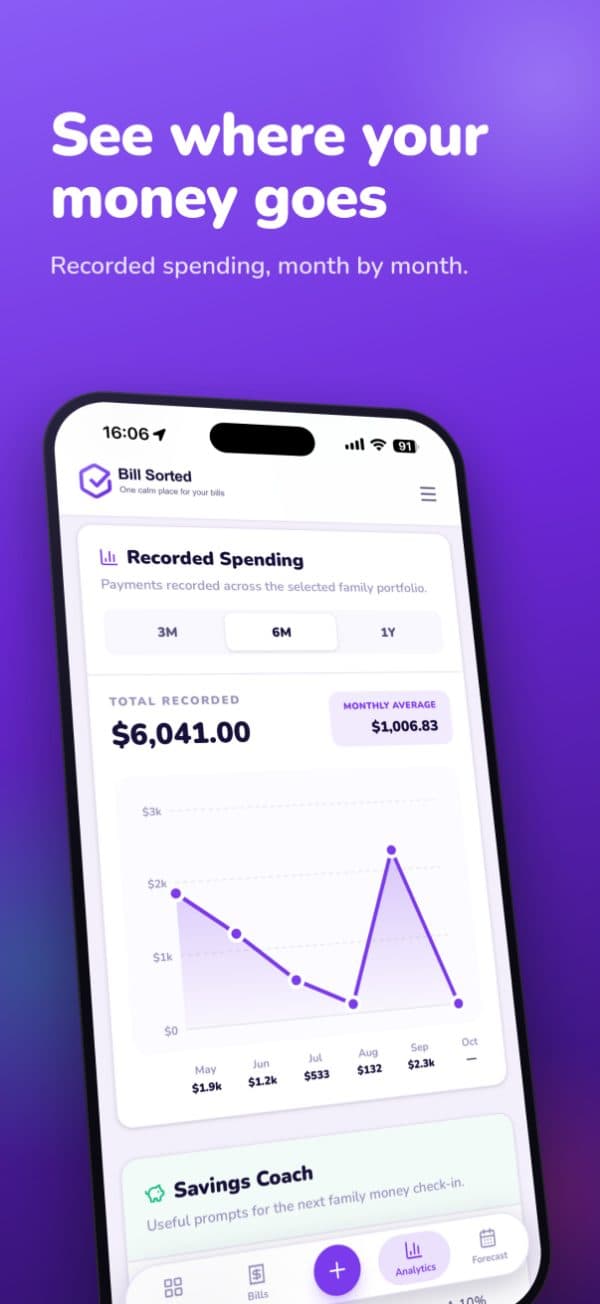
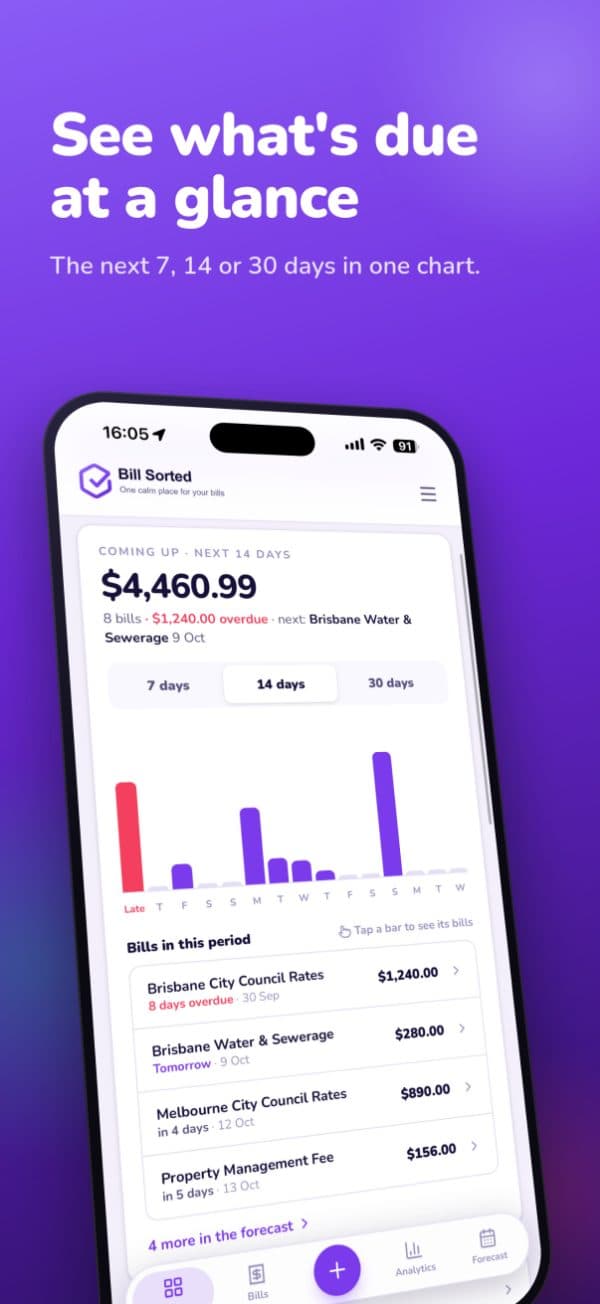
Your bills just moved in with you
On your Home Screen, in your pocket and never more than a tap away.
Same account, everywhere
Sign in with your usual email. Everything syncs with the website, so nothing gets entered twice.
Bill reminders
A gentle tap on the shoulder before each bill is due. Tap it and you land on that exact bill.
Paid it? Tick it off
Paid a bill through your bank? Tick it off in one tap from the couch, the bus or the supermarket queue. The next due date sorts itself.
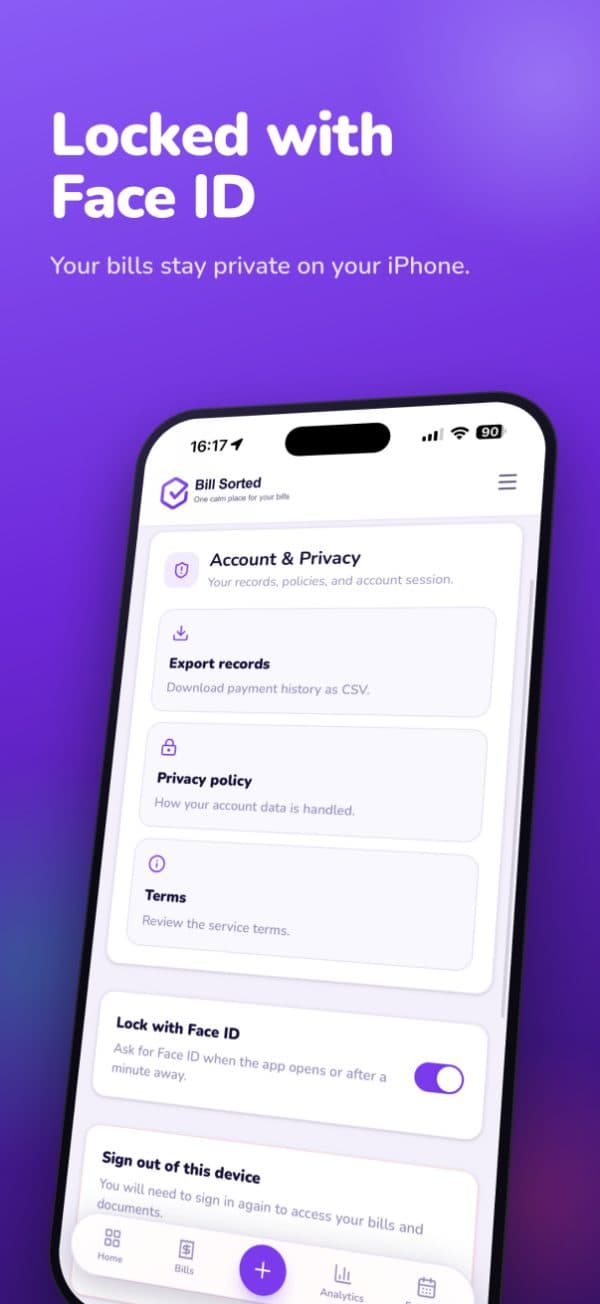
Locked with Face ID
Your bills stay between you and your face. Turn it on in Settings whenever you like.
Shortcuts built in
Long-press the icon to add a bill or jump straight to what’s due. Seconds, not minutes.
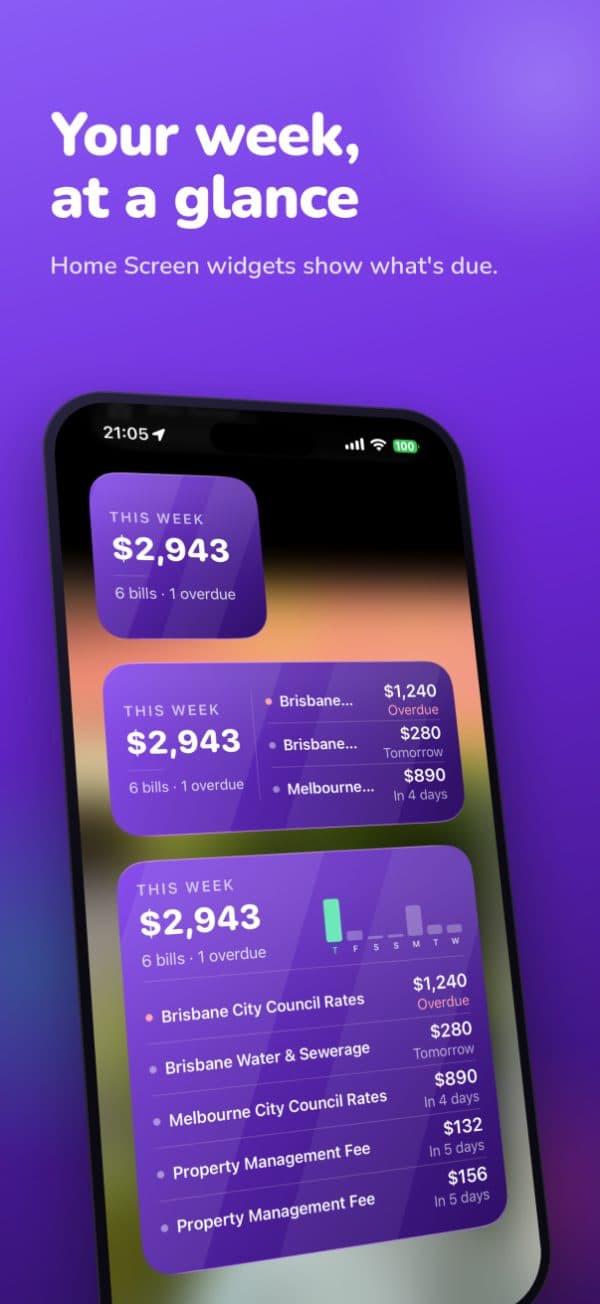
Widgets that nag (nicely)
Your week’s total, what’s overdue and what’s next, right on your Home Screen. Included in paid plans.
Swipe right on your bills
Probably the only time you’ll want to.
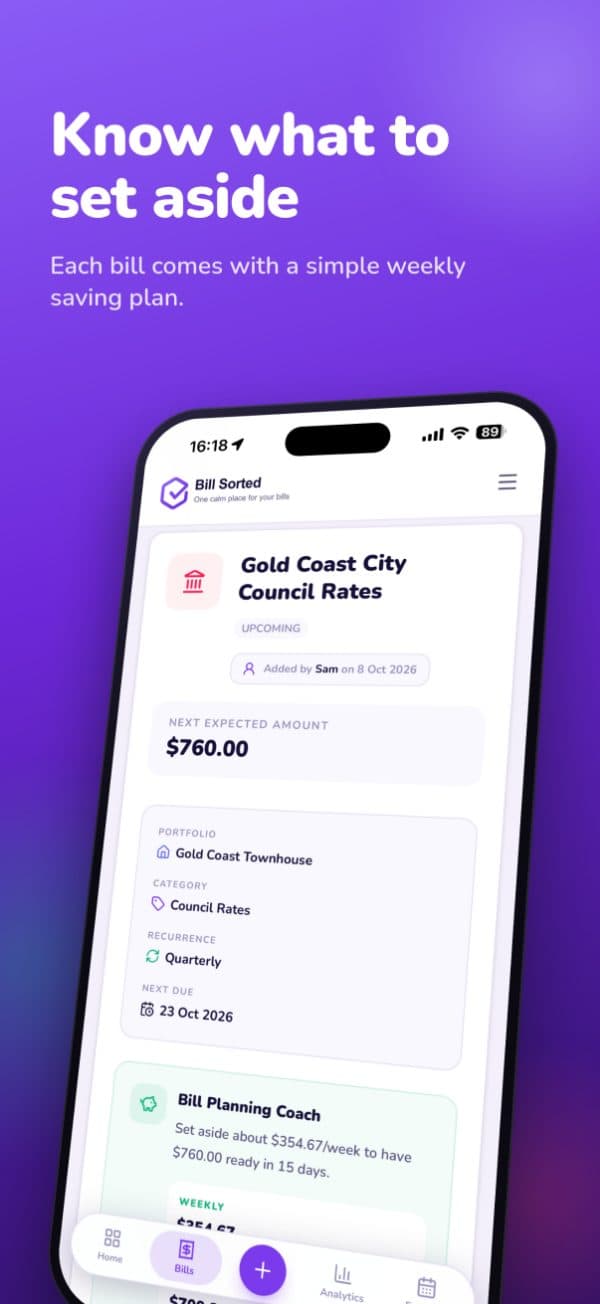
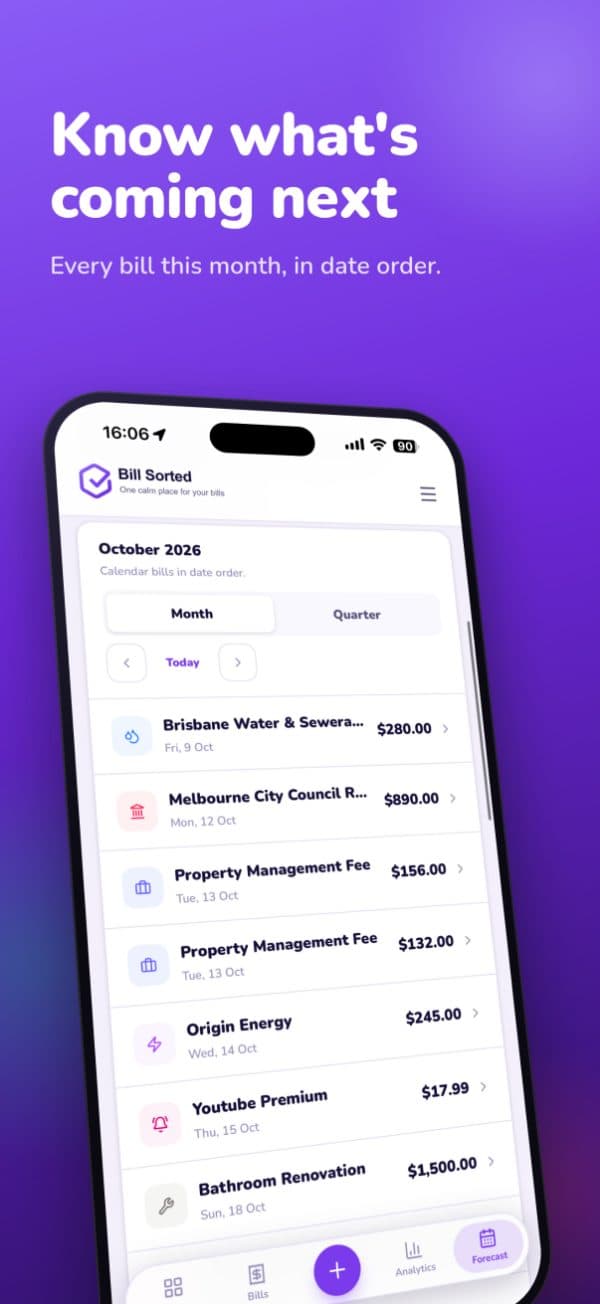
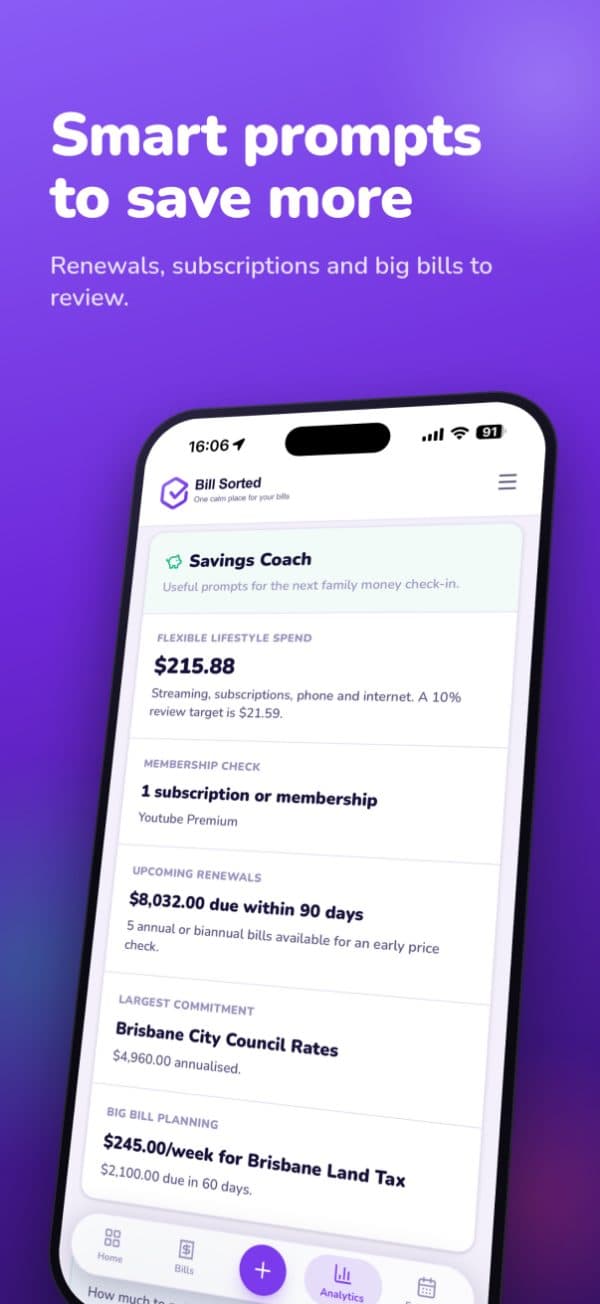
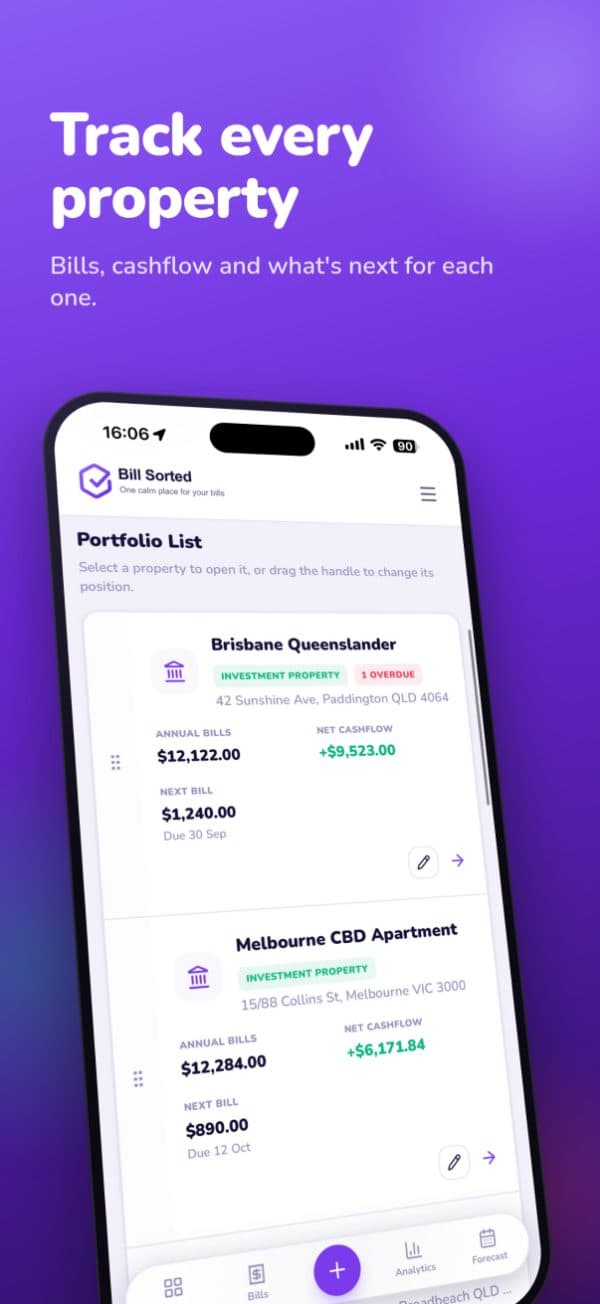
Want the extras? They live on the website.
The app is free and works on Sorted Free straight away. Plans aren’t sold in the app, so if you’d like Analytics, the Planning Coach, widgets or shared access, upgrade here on the website. Your plan unlocks in the app automatically.
- 1Open billsorted.com.au and sign in
- 2Go to Settings → Billing and pick a plan
- 3Open the app. Your new features are already there
Team Android, we see you 👋
Until the app lands, use Bill Sorted in Chrome and add it to your Home screen from Chrome’s three-dot menu.Good questions, quick answers
Yes. The app is free to download and works on Sorted Free. Paid plans are only available on the website, and your plan carries over to the app automatically.
No. Sign in with the same email you use on the website. Your bills, payments and documents are already there and stay in sync.
Upgrades happen on the website: sign in at billsorted.com.au, go to Settings → Billing and choose a plan. The next time you open the app, your new features are ready.
Any iPhone running iOS 17 or later. Home Screen widgets come in small, medium and large sizes.
It’s in the works. Until then, Bill Sorted works great in Chrome, and you can add it to your Home screen from the browser menu.
The app is designed for iPhone. On iPad, Bill Sorted works well at billsorted.com.au.
Go on, give your bills a home.
Your bills, reminders and payment history, all in your pocket.
Download Bill Sorted free on the App Store.
Apple, the Apple logo, iPhone and App Store are trademarks of Apple Inc., registered in the U.S. and other countries.